Control it from a tablet
A PSOrvia program can be operated from a tablet or phone on your home network: in the browser, with no app and no account.
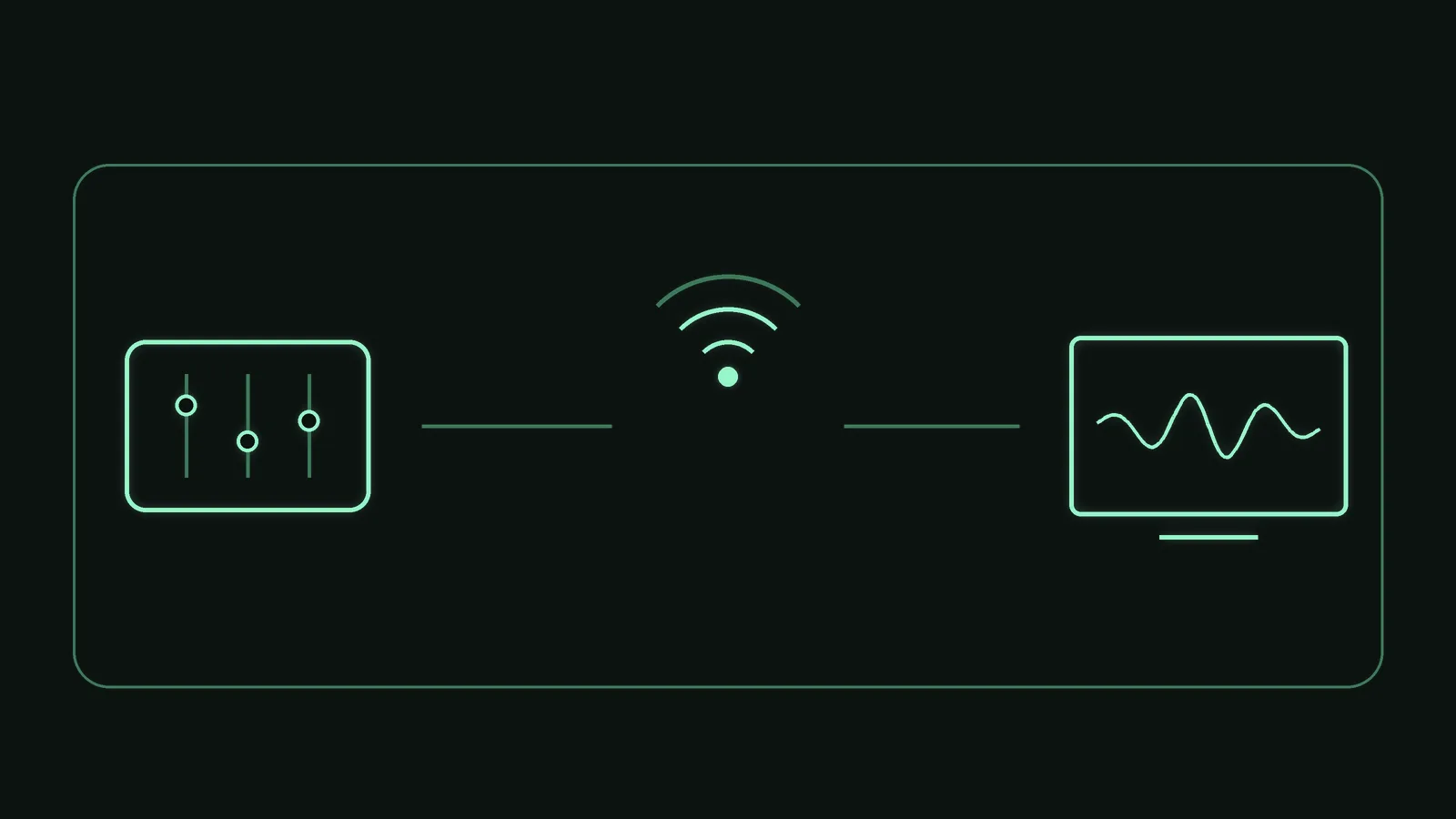
The program shows a 6-digit code and the address of its remote page. You open that address in the browser of a device on the same network and enter the code. There is nothing to install and nothing to sign in to. The program serves the page itself and loads nothing from the internet; the page code contains not a single address pointing outside. It is even easier with the QR code: the program also shows the address with the code as a QR code. Scan it with the camera of your tablet or phone and the device is paired at once.
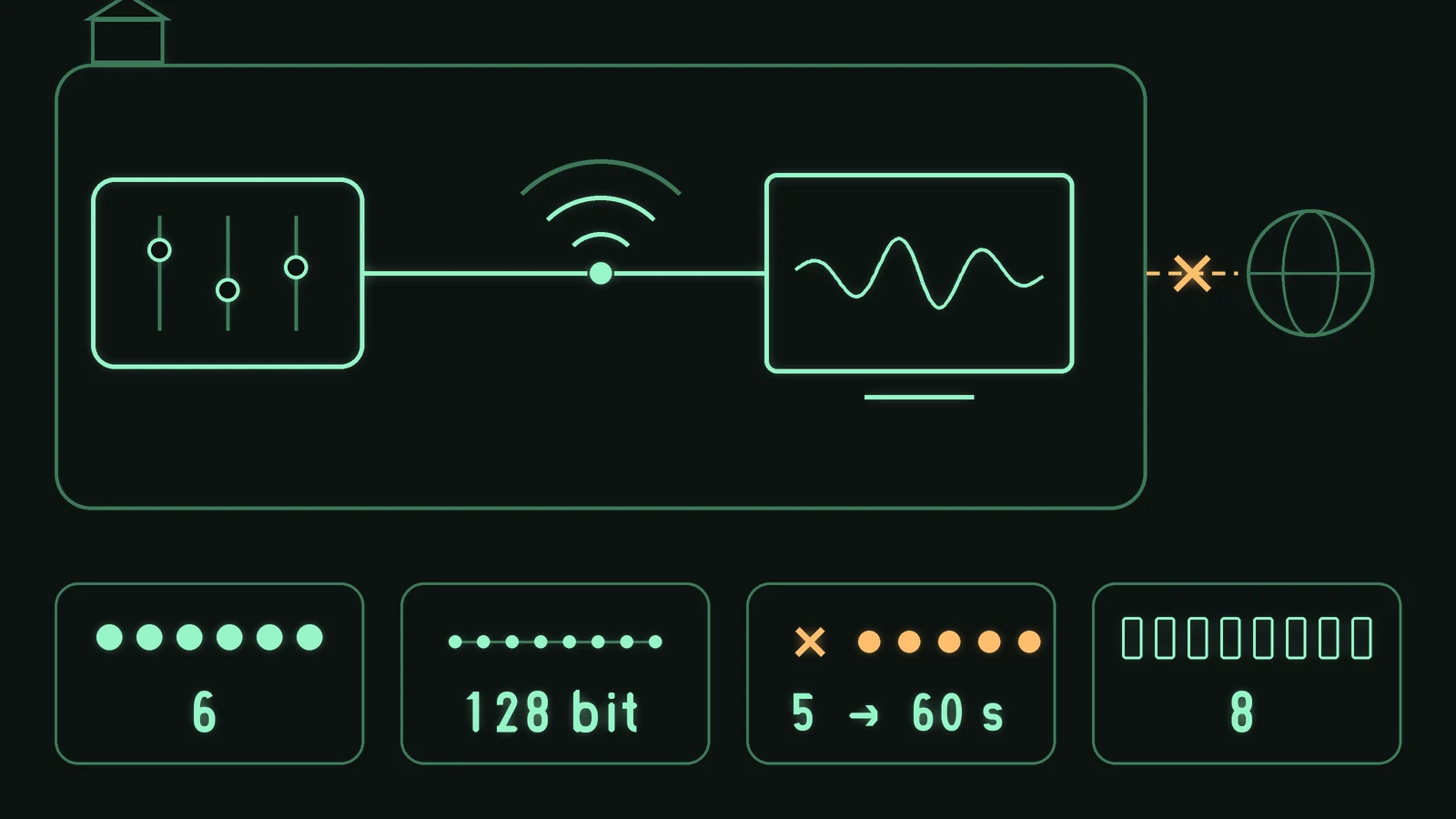
Access works only inside the home network: the program serves only devices with private addresses from 5 ranges (including this computer itself) and closes every other connection at once. A connection from a web page of another origin is refused. One code opens exactly one device and is replaced afterwards; the key of the connection is a random number of 128 bit. After 5 wrong codes pairing stays locked for 60 s. Up to 8 devices at a time; more than 300 messages per second and connection are ignored.
The graphic shows device, home network and program, the crossed-out internet and the limits of pairing. Counted from the source code and backed by 37 checks, mostly over real connections on the machine itself: pairing, wrong code, lock, revoking all devices and oversized requests.