Install and remove from one place
The PSOrvia Installer puts every program in the right folders, checks the signature and removes it later without leftovers.
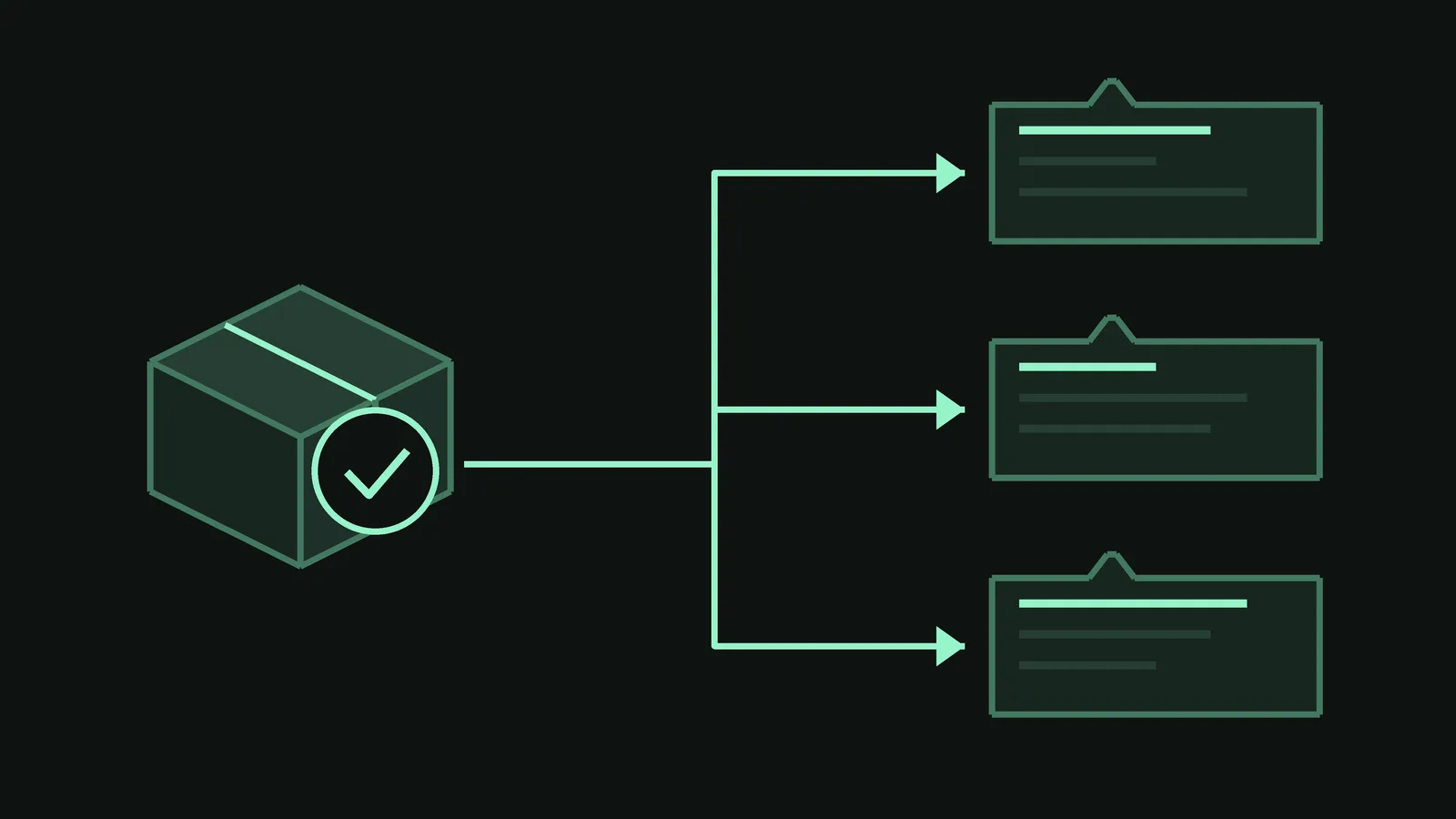
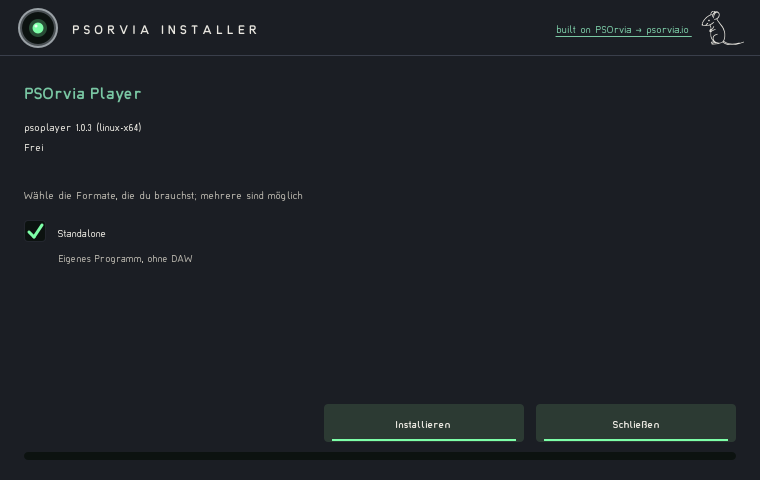
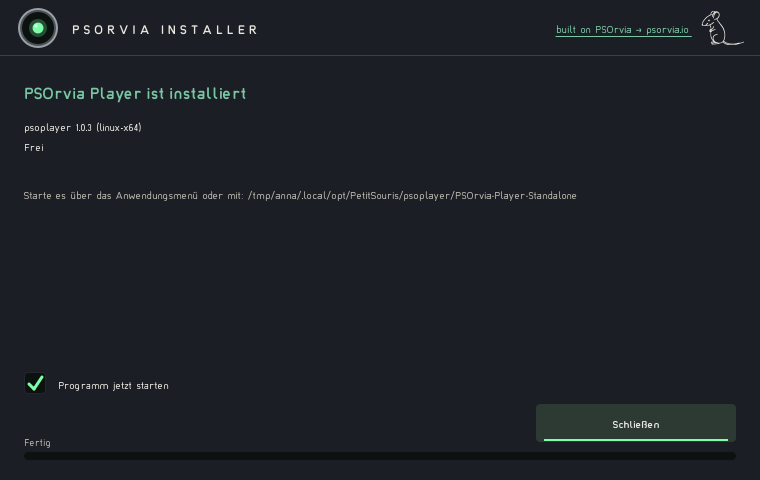
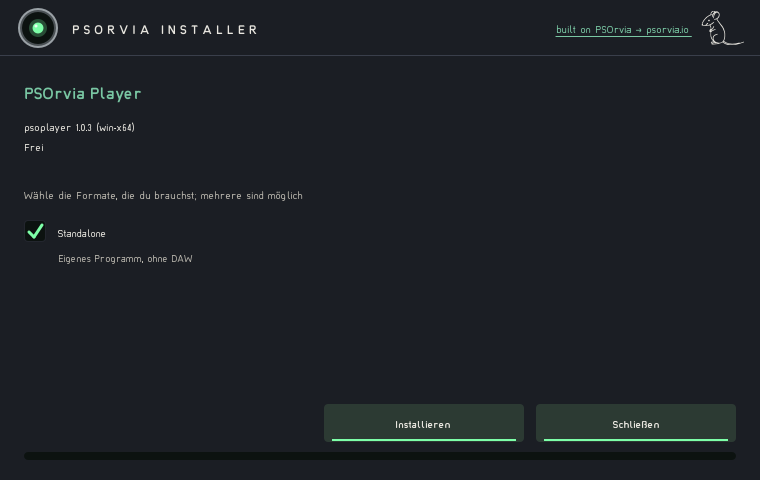
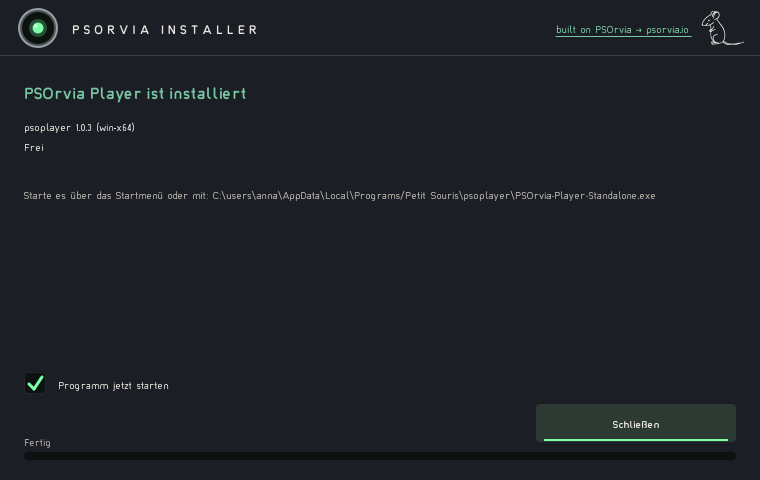
Every PSOrvia program comes with the same setup. It shows product, version and licence note, places the files offline in the standard folders and sets itself up for later updates. The default is an install for your own user; administrator rights are asked for only when you pick a system folder.
For plug-ins you choose per format what gets installed: VST3, CLAP, LV2, on macOS AU, on Windows and macOS AAX, plus the stand-alone application. If you need another format later, you start the same setup again and add it; there a format can also be removed again.
Every package (.psop) is signed with Ed25519. Before unpacking, the installer checks the signature and the checksum of every file, and a damaged package stops. Paths containing ".." or detours through symlinks are refused. Updates come from a signed catalogue; a version counter keeps old versions from being played back.
Uninstalling removes exactly the files the installer itself created (according to its journal) and leaves nothing behind. If something goes wrong during installation, a rollback restores the previous state. The installer runs on Linux and Windows; macOS follows.