Learn · PSOrvia Player
Reading the spectrum: bass, mids and highs
You learn what a spectrum shows, and you hear a piece built up layer by layer: first just bass, then mids, highs and drums.
- Difficulty
- easy
- Duration
- approx. 8 minutes
- You need
- PSOrvia Player
Cheat sheet · All steps and values on one page, print-friendly.
The audio example at the end
This is what the final state sounds like. Below it you can download the file in lossless form.
The audio example at the end
Keyboard: Space plays or pauses, arrow keys jump 5 seconds, Home and End go to start and end.
Every sound consists of many frequenciesHow often an oscillation repeats per second, measured in hertz (Hz). Low tones have low frequencies, high tones high ones. at the same time. The spectrumShows how strongly which frequencies occur in a sound: low on the left, high on the right, loud at the top. sorts them from low (left) to high (right); the higher a spot sits, the louder that part is. In this guide the ranges are called bassThe low range of a sound. In these guides everything below about 250 Hz: bass drum, bass line, the warmth of the sound. (below 250 Hz), midsThe range between bass and highs, here from about 250 Hz to 2.5 kHz. Most instruments and speech lie here. (up to 2.5 kHz) and highsThe high range above about 2.5 kHz. It gives shine and clarity, but carries little energy. (above that). You hear a short piece made from PSOrvia house instruments that grows in four steps, and at each step you see where something is added in the spectrum. In the player, the visualization on the “Now playing” page shows moving images to the music; the shapes react to bass, mids and highs and to the beat.
Headphones or good speakers. All audio examples are equally loud, so that only the added layer counts and not the volume. To try it out in the player, open any piece on “Now playing”.
Your progress
Only remembered in your browser, nothing is sent.
For comparison
Starting point: just the bass
Keyboard: Space plays or pauses, arrow keys jump 5 seconds, Home and End go to start and end.
-
Step 1: The mids fill the space
At the start only the bassThe low range of a sound. In these guides everything below about 250 Hz: bass drum, bass line, the warmth of the sound. plays: in the spectrumShows how strongly which frequencies occur in a sound: low on the left, high on the right, loud at the top. the left side is high and the rest almost empty. Now strings and piano join in. Their tones lie in the midsThe range between bass and highs, here from about 250 Hz to 2.5 kHz. Most instruments and speech lie here., and in the spectrum the area in the middle grows. In the player, open a piece on “Now playing” and press V: the shapes of the visualization show how much energy is in which range.
In the player Open visualization (key) V Audio example
The sound is fuller and warmer. The bass carries, and the strings and piano give the piece harmony and movement.
The “Spectrum” view shows the gain in the mids as an area, “Afterglow” lets the curve swing along while playing, “Waterfall” lays the spectrum out as a landscape over time, and “Difference” colors what is newly added.
Step 1: The mids fill the space
0:00Keyboard: Space plays or pauses, arrow keys jump 5 seconds, Home and End go to start and end.
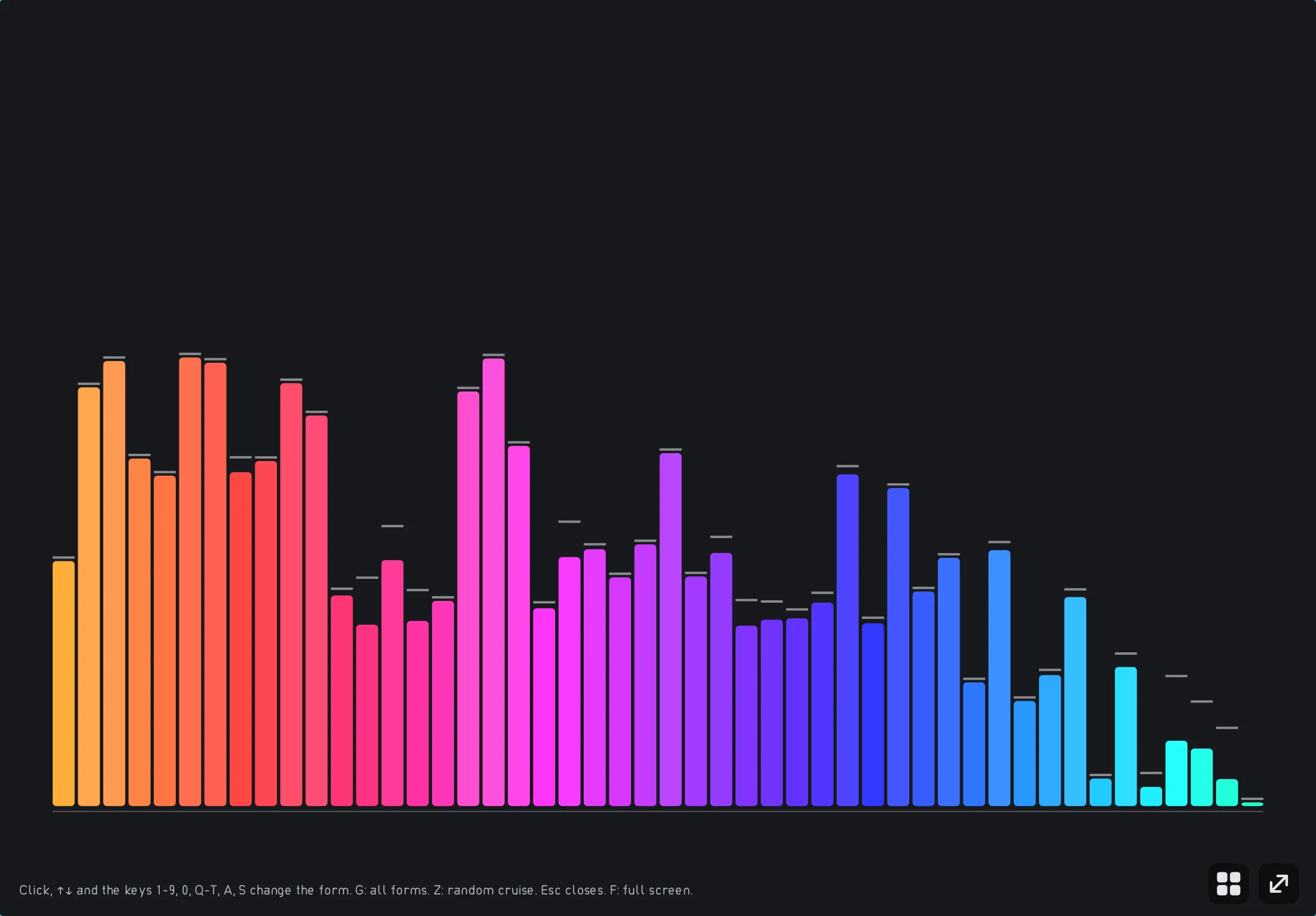
The “Bars” visualization in the player: the spectrum of the current piece, low tones on the left, high ones on the right. -
Step 2: The highs give shine
Now the glockenspiel comes in. Its tones lie in the highsThe high range above about 2.5 kHz. It gives shine and clarity, but carries little energy., and in the spectrum a gain appears on the right. It is small, because high parts carry little energy, yet the ear still hears them clearly. With G you open the shape picker in the player: tabs for each group, lively tiles, arrows to choose.
In the player Open shape picker (key) G Audio example
Bright, sparkling tones lie over the piece. You hear each strike of the glockenspiel individually.
Try “Afterglow”: with every strike a small peak flashes up on the right. With “Wiper” you drag a dividing line across the spectrograms from before and after.
Step 2: The highs give shine
0:00Keyboard: Space plays or pauses, arrow keys jump 5 seconds, Home and End go to start and end.
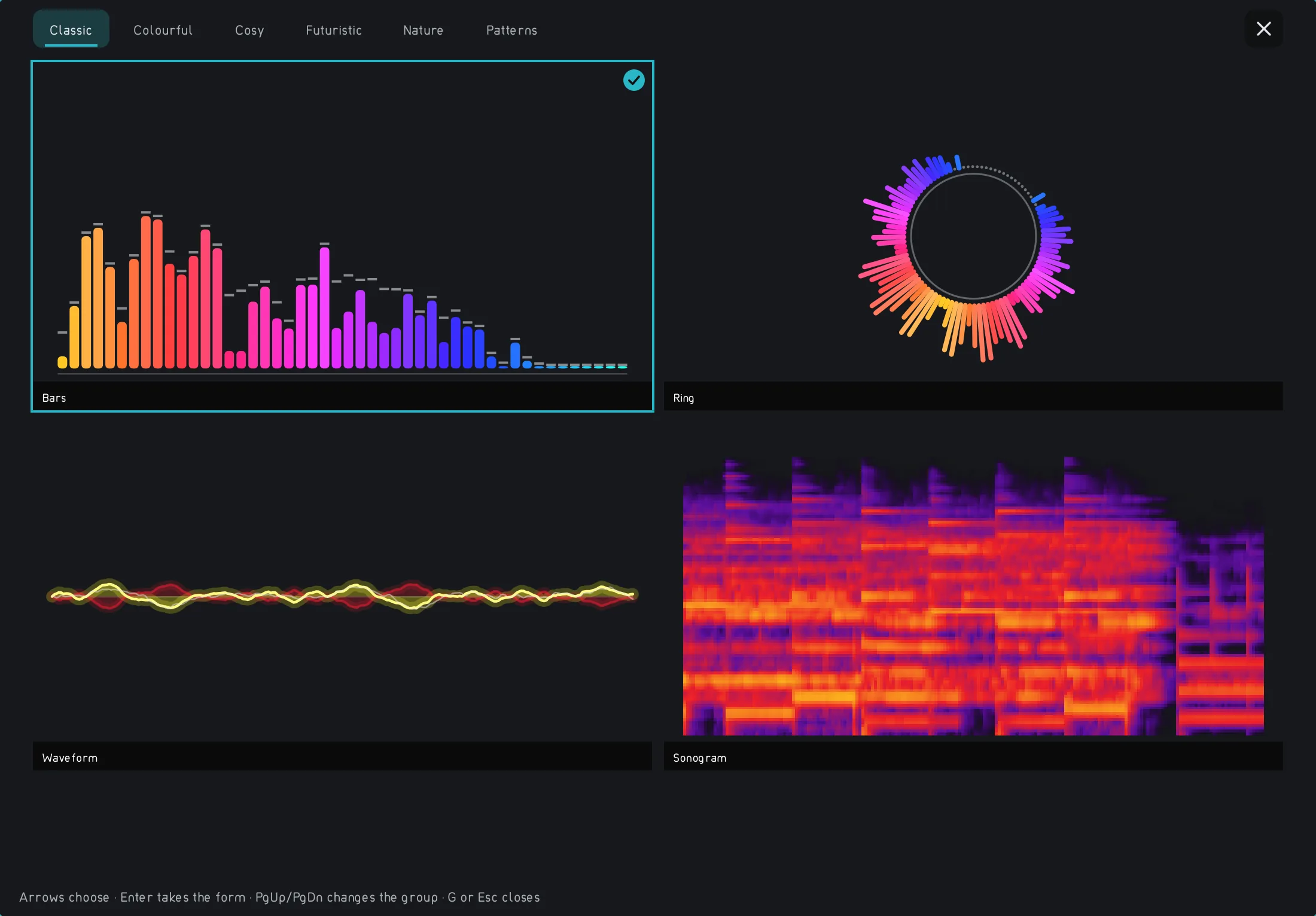
The visualization shape picker in the player: a tab for each group and one tile per shape. -
Step 3: The drums span all ranges
The drums join in. Their bass drum sits low, the other hits reach into the mids and highs. It is the example of a sound that does not fit into a single range, and it gives the piece its beat. In the player, ↑ and ↓ switch through the shapes of the visualization; many of them jump to the beat of the drums.
In the player Change shape (keys) ↑ ↓ Audio example
The piece now has a steady beat. The bass drum pushes from below, the other hits sit in the middle and on top.
The “Waterfall” shows each hit as a spike that fades toward the back; “Level” shows the loudness over time, with the hits as small peaks.
Step 3: The drums span all ranges
0:00Keyboard: Space plays or pauses, arrow keys jump 5 seconds, Home and End go to start and end.
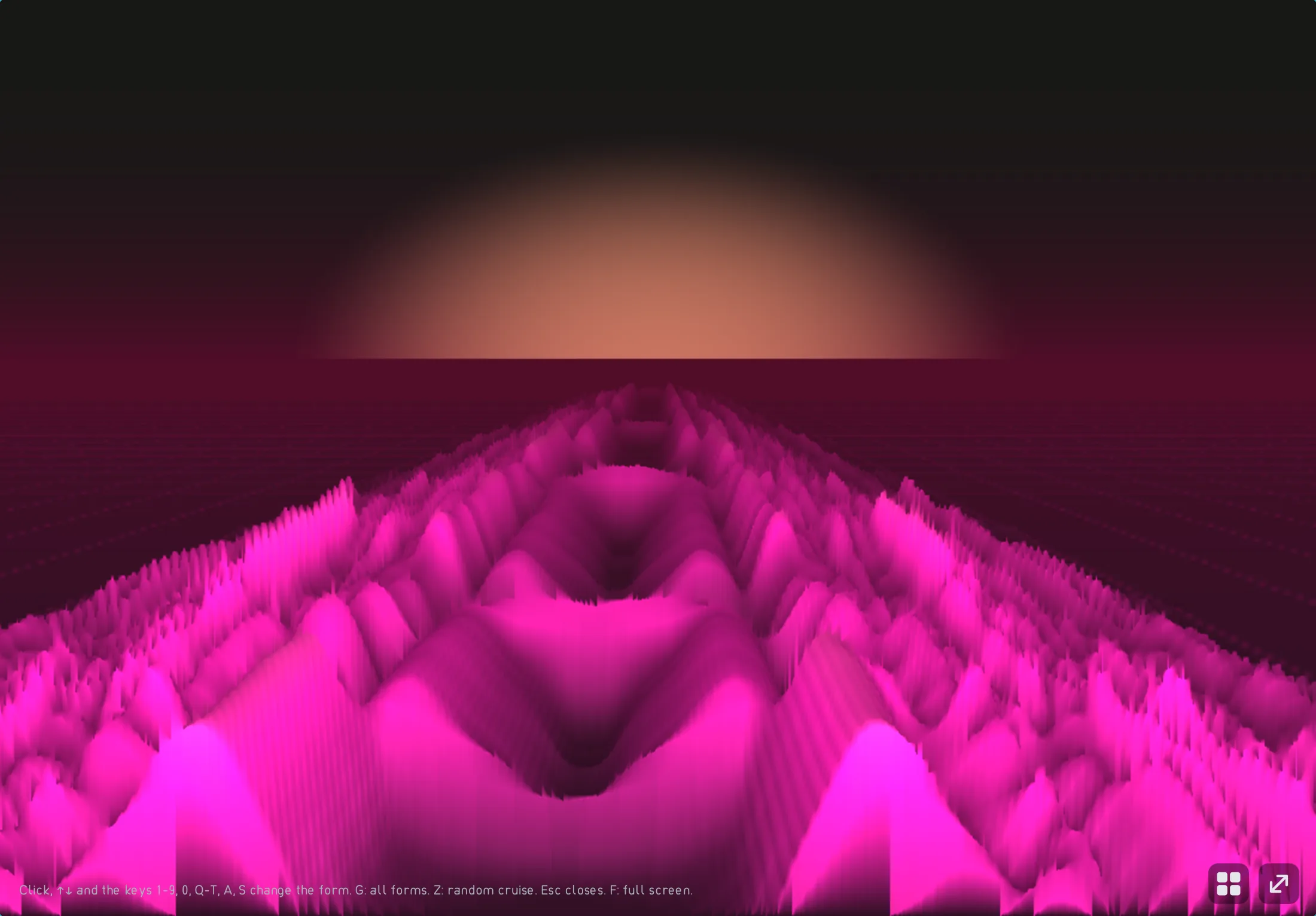
The “Spectrum mountains” shape: the spectrum as a landscape over time, every beat a hill. -
Step 4: Raising the highs makes it brighter
The equalizer in the settings under “Sound” raises or lowers frequencyHow often an oscillation repeats per second, measured in hertz (Hz). Low tones have low frequencies, high tones high ones. ranges. Here the whole piece is raised by 6 dB from about 4 kHz upward. You see in the spectrum that exactly the right-hand range grows, and you hear the sound become brighter and sharper. Too much of it quickly sounds harsh; comparing before and after helps you find the right amount.
In the player Settings › Sound › Equalizer an Audio example
The same sound, now brighter. The cymbals and the glockenspiel stand further forward, the bass stays the same.
“Difference” colors exactly the range you raised; with “Wiper” you slide before and after against each other.
Step 4: Raising the highs makes it brighter
0:00Keyboard: Space plays or pauses, arrow keys jump 5 seconds, Home and End go to start and end.
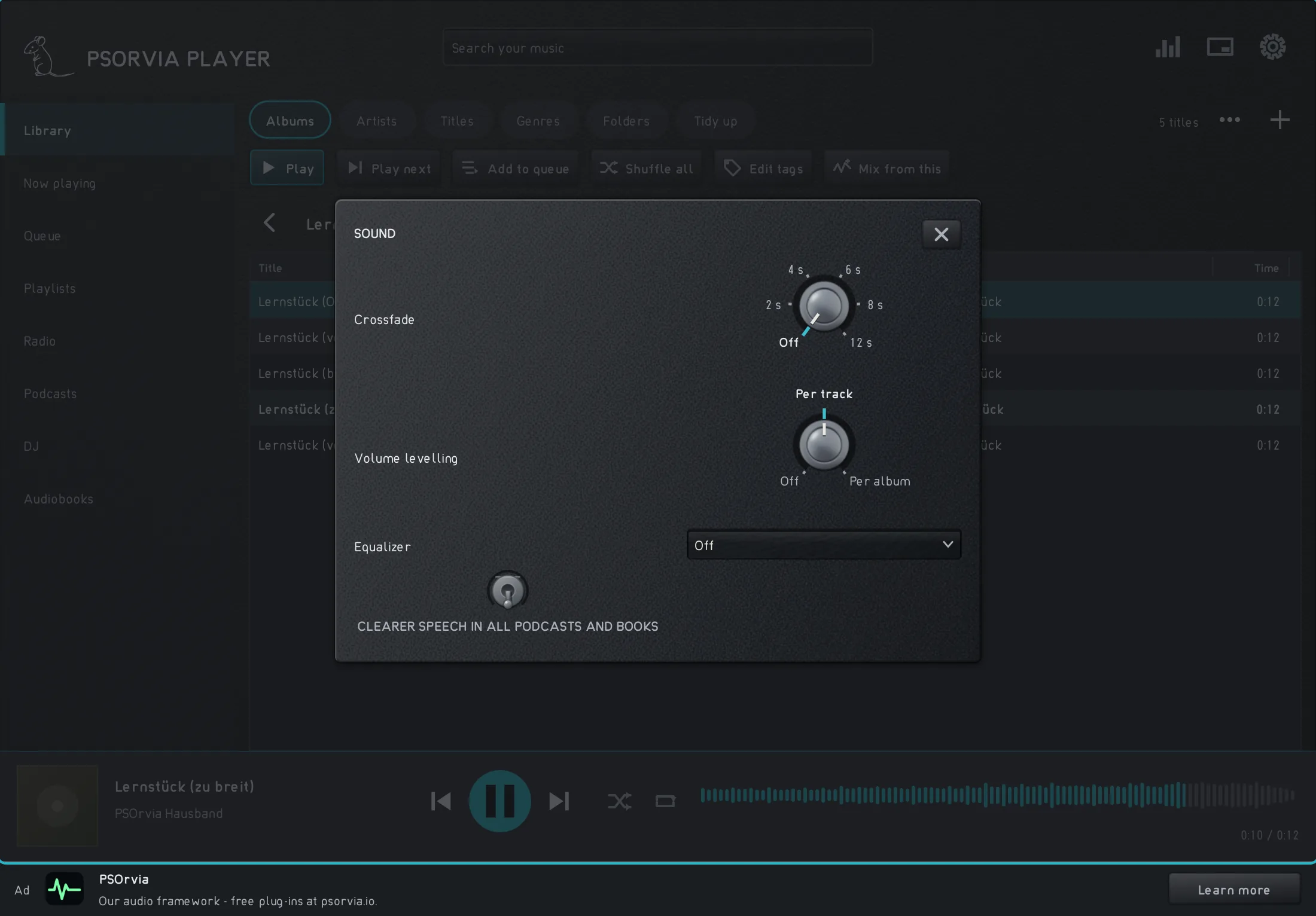
Settings › Sound in the player with crossfade, “Volume leveling” and the equalizer.


Listening quiz
Can you hear which step is behind it? Listen to the three sounds and choose the one that belongs to the named step. None of this is saved.