Features
What the framework and our plugins can do, explained one by one, with sound wherever it helps.
9 shown
Features
-
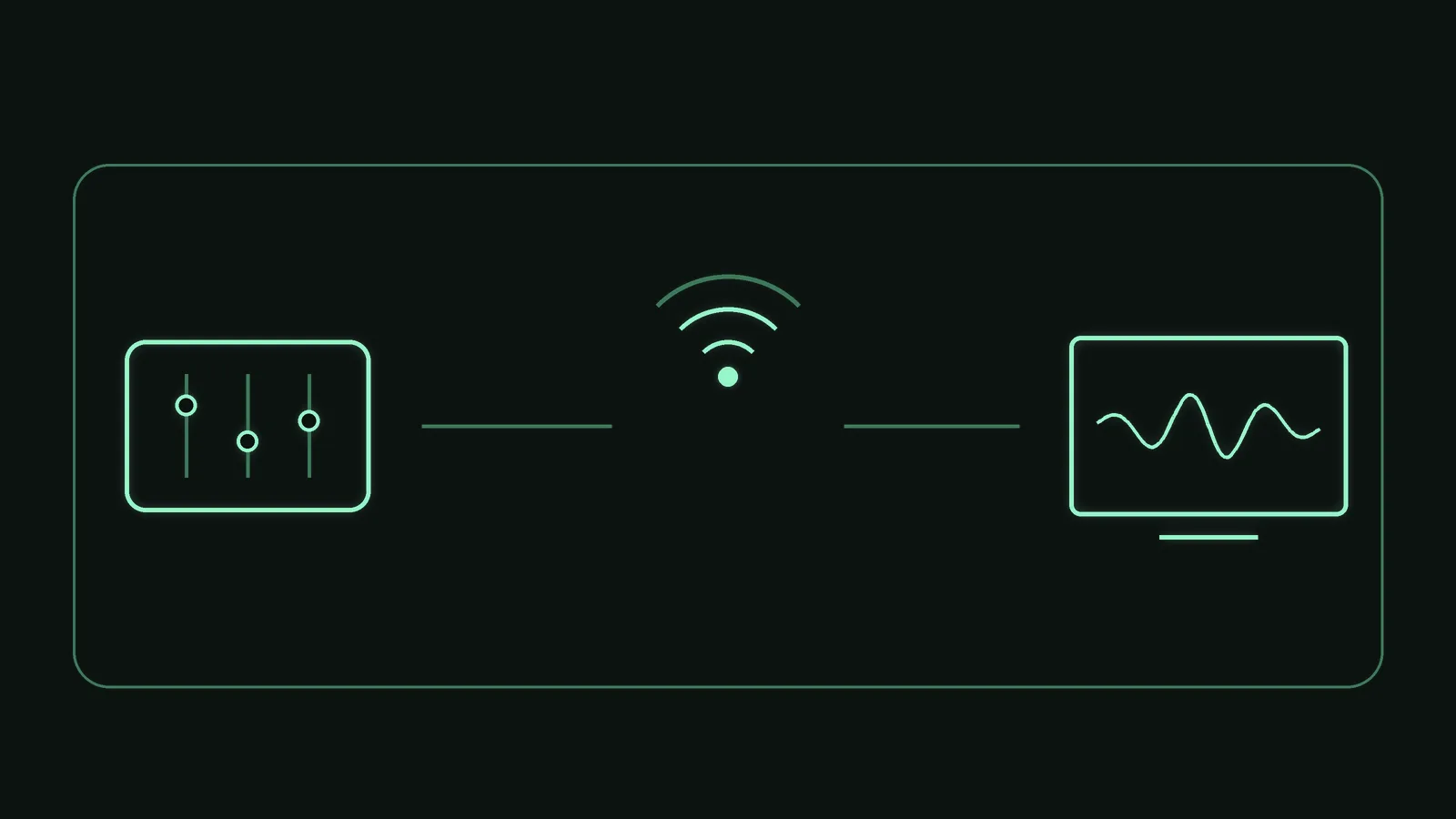
Control it from a tablet
A PSOrvia program can be operated from a tablet or phone on your home network: in the browser, with no app and no account.
-
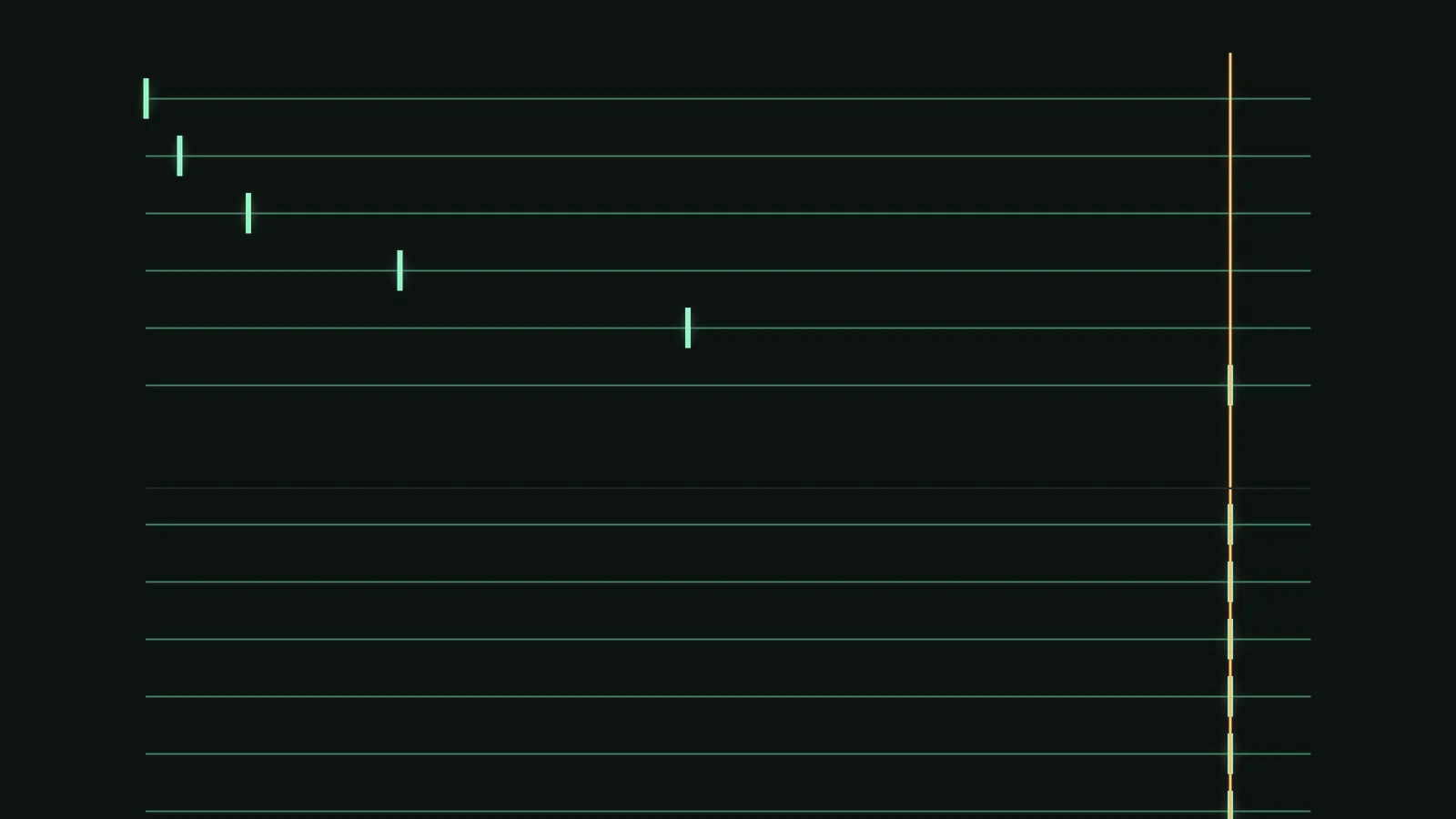
Latency under control
Tracks with different latency arrive at exactly the same sample, and the audio path asks for no memory.
-

Linux as a full platform
The PSOrvia Player runs natively on Linux, built from the same code as on Windows and macOS, and comes in the package formats Linux users expect.
-
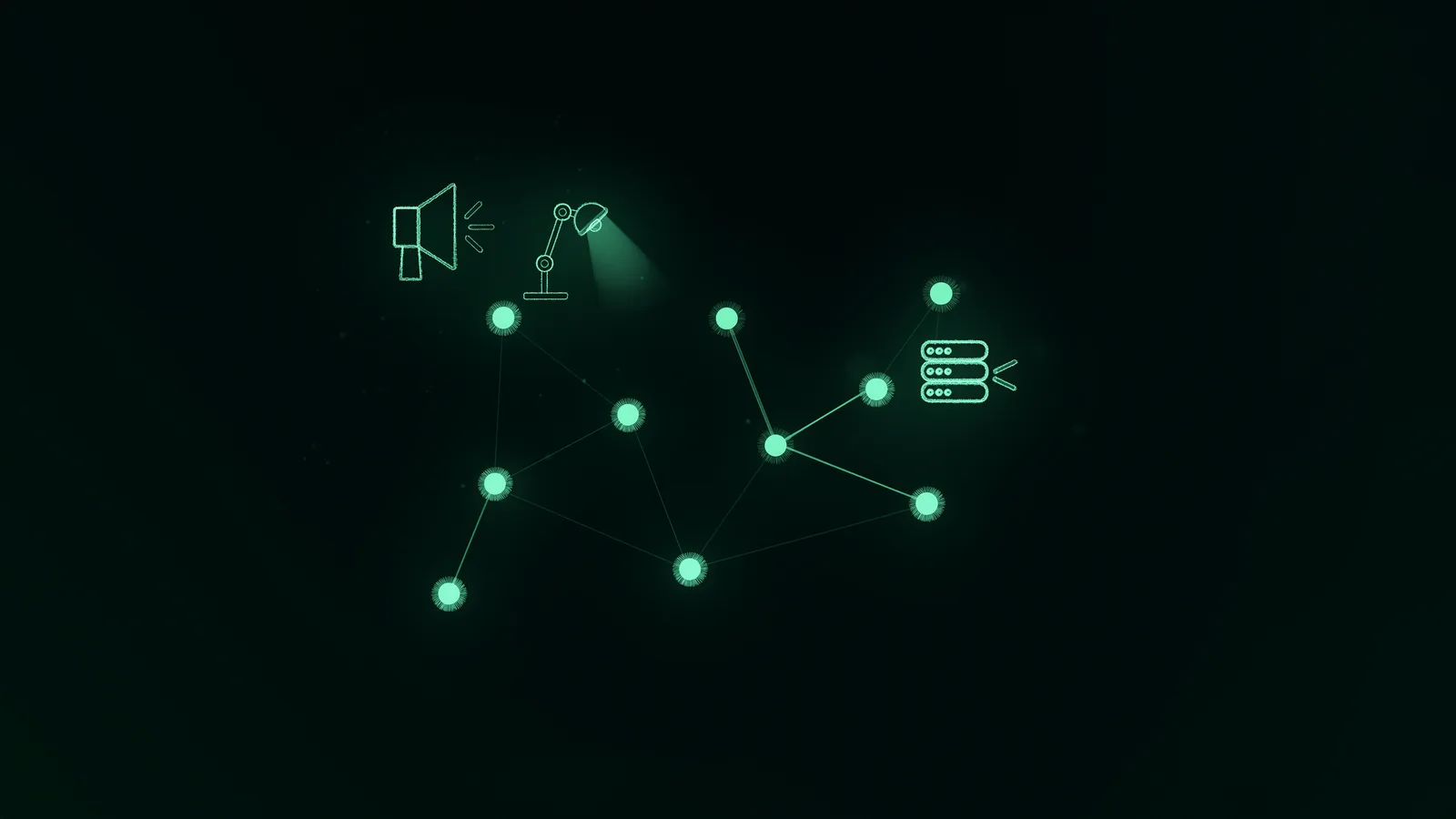
Network and services
Radio, podcasts, your own servers, remote control and light: which network protocols and services PSOrvia supports and on which platform they are tested. You choose the services, the data goes straight to them.
-
How we test for reliability
Fuzz tests, memory checkers, plug-in validators and failure cases: what we test, how often and what came out. No promise that nothing ever happens, but numbers with dates.
-

Audio Units for Mac and iPad
Besides CLAP, VST3 and LV2, PSOrvia builds Audio Units: AUv3 in our own code on Apple's frameworks, plus AUv2.
-
Real time and time code
An audio path without locks or memory requests, plus SMPTE time code as a label, as MIDI time code and as an audio signal.
-
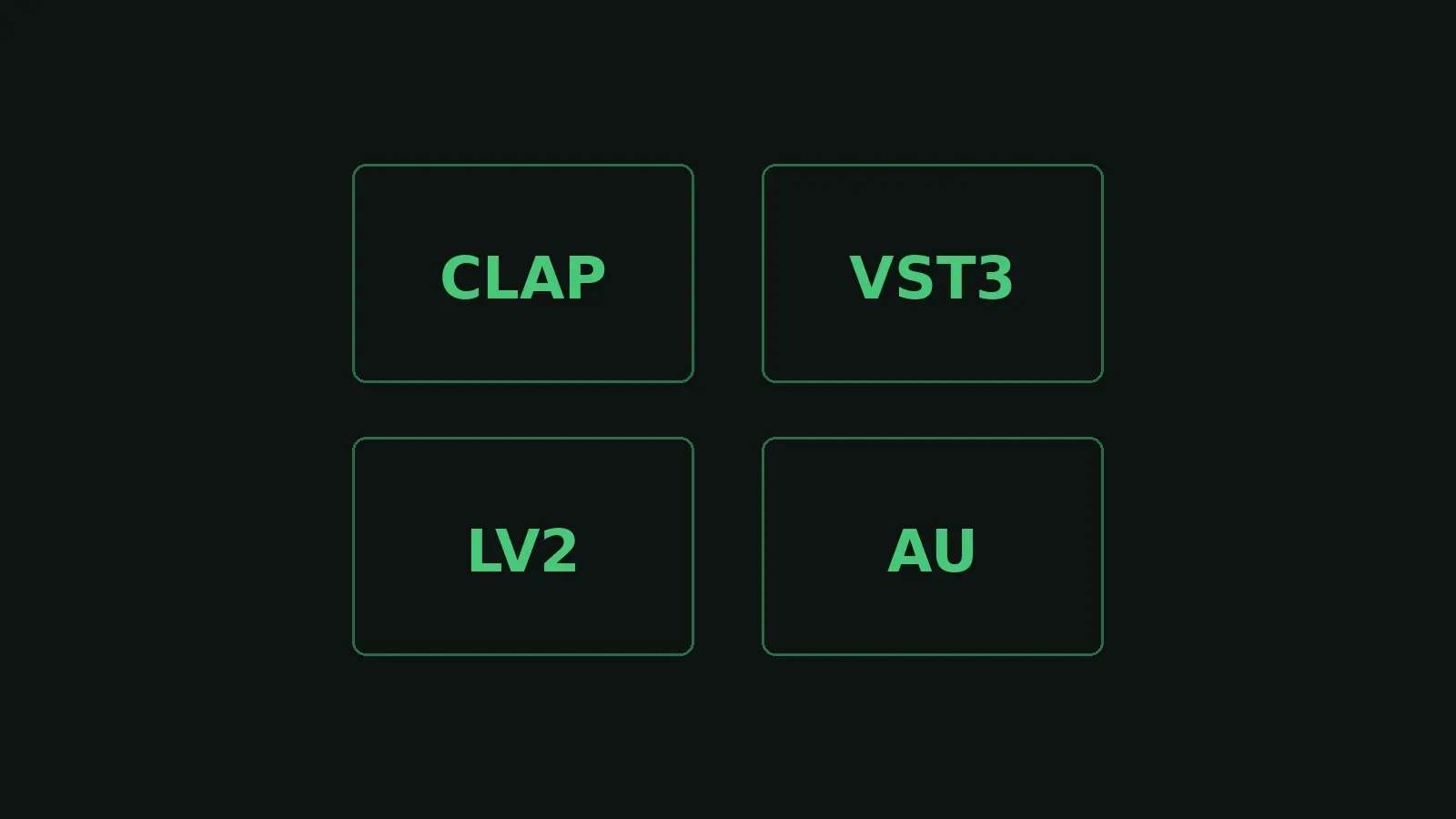
Loading other plug-ins: CLAP, VST3, LV2, Audio Units
PSOrvia finds, loads and plays plug-ins in four formats, with code of our own and a scan that survives a faulty plug-in.
-
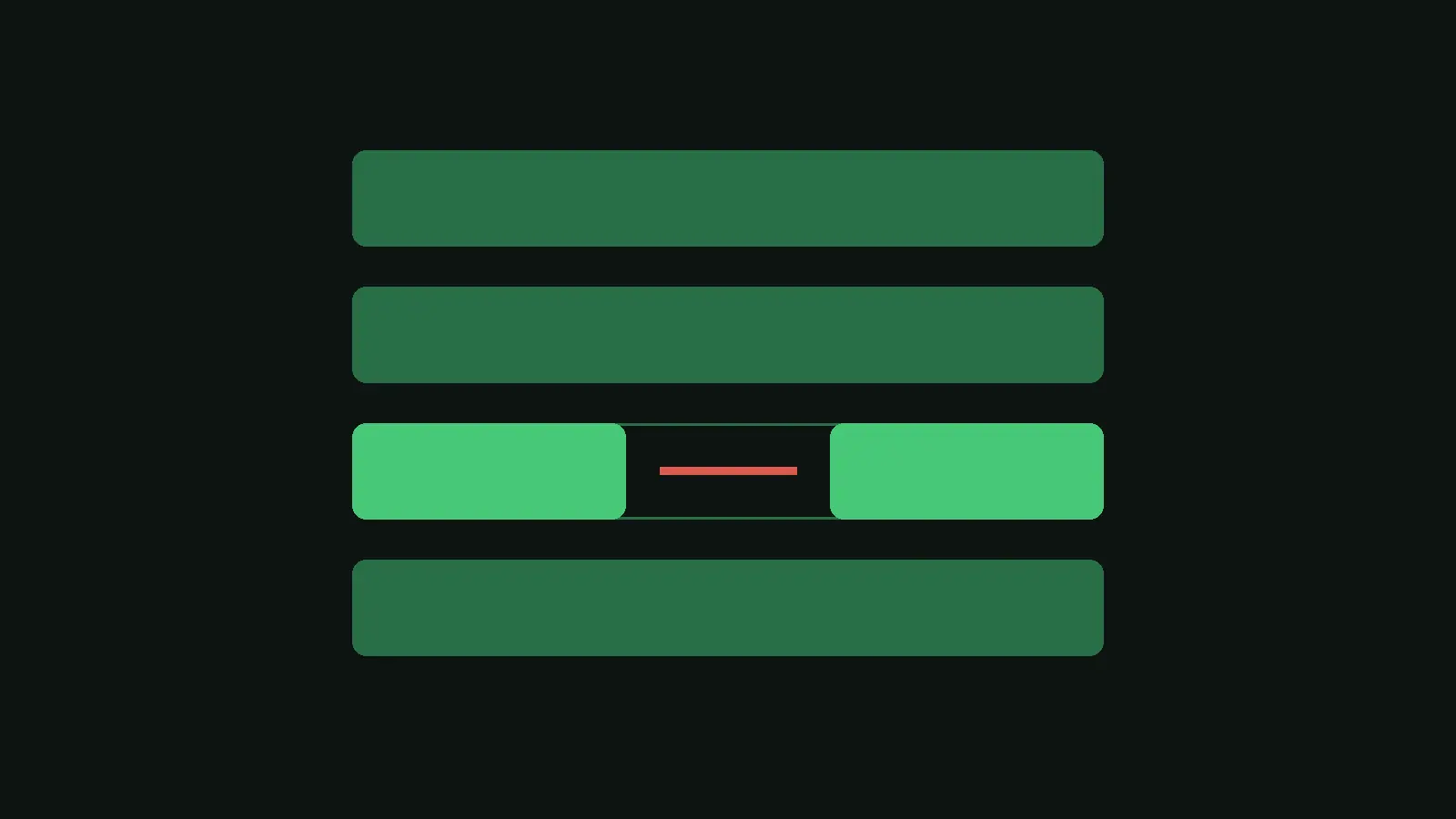
A crashed plug-in takes nothing with it
Every loaded plug-in can run in a process of its own. If it crashes or hangs, only its track goes silent; everything else keeps playing.